FAQ from Cook Now
What is Cook Now?
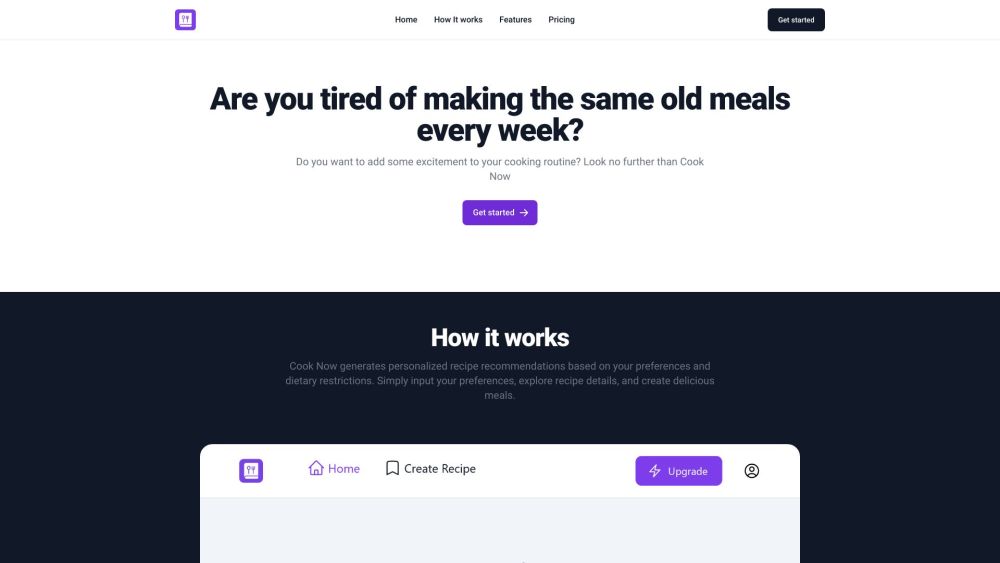
Cook Now is an AI-native meal planning platform powered by RecipeGenius—designed not just to recommend recipes, but to understand *you*: your lifestyle, health priorities, cultural preferences, and even your cooking confidence level—to serve up meals that feel uniquely yours.
How to use Cook Now?
After signing up, spend 60 seconds setting your profile—select cuisines you love, foods you avoid, preferred protein sources, average cooking time, and more. RecipeGenius then builds dynamic, nutrition-balanced meal plans—daily or weekly—with seamless integration into your calendar and shopping routine.
How do I sign up for an account?
Click “Get Started” on the Cook Now homepage. Enter your email, choose a password, and complete the brief onboarding wizard. No credit card is needed to explore core features.
Can I modify my preferences and dietary restrictions later?
Yes—your profile is fully editable at any time. Update preferences instantly, and RecipeGenius will auto-adjust future meal plans while preserving your saved favorites and history.
Can I save my favorite recipes?
Absolutely. Tap the heart icon on any recipe to add it to your personal cookbook. Organize by tags (e.g., “Meal Prep,” “Date Night,” “30-Minute”), share via link, or export as PDF for offline use.
Are the recipes suitable for specific diets like vegetarian or gluten-free?
Yes—RecipeGenius supports over 25 dietary frameworks (vegan, pescatarian, low-FODMAP, diabetic-friendly, halal, paleo, etc.) and cross-validates every ingredient against your selected restrictions—no hidden soy sauce in “gluten-free” stir-fry, ever.
How often are new recipes added?
New recipes—tested by nutritionists and home cooks alike—are added weekly. RecipeGenius also learns from your interactions: the more you cook, rate, or skip, the smarter and more attuned your future suggestions become.