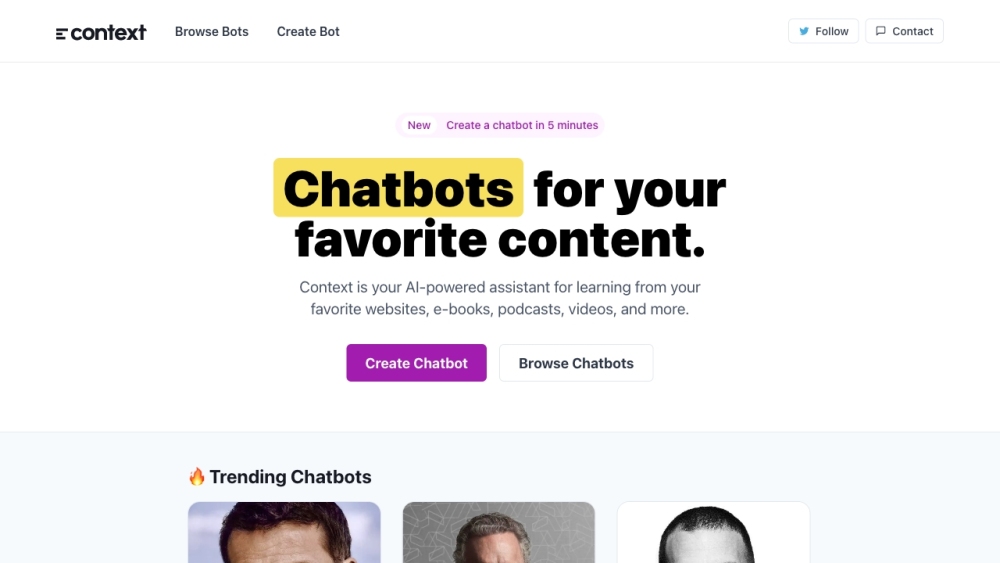
FAQ from Context
What is Context?
Context is an AI tool for software community chat—engineered to understand programming languages, frameworks, and collaborative workflows, transforming how developers ask, answer, and archive technical knowledge.
How to use Context?
Simply engage in chat—whether in Slack, Discord, or Context's native interface—by mentioning @context or pasting code. It interprets intent, references relevant docs or past discussions, and responds with clarity, citations, and optional follow-up suggestions.
What can I do on the Context platform?
You can get instant help with syntax, architecture decisions, CI/CD troubleshooting, PR review feedback, dependency analysis, and even generate boilerplate or test cases—while contributing insights back to your team’s shared intelligence layer.
How can I start a conversation with a chatbot on Context?
Initiate a chat anytime: ask a question in natural language, upload a log file, reference a GitHub issue, or highlight a code block. Context automatically detects context, infers scope, and replies with accurate, community-validated answers.
What are the core features of Context?
Core features include deep technical language understanding, contextual memory across conversations, integration with developer tools (GitHub, GitLab, Jira), community knowledge curation, and adaptive response styles—from concise CLI-like replies to detailed architectural explanations.
What are the use cases of Context?
Use Context for live pair-programming support, automated community moderation, scalable contributor onboarding, documentation augmentation, incident response coordination, and turning fragmented forum threads into structured, searchable knowledge assets.