Content Flash AI

Content Flash AI: ai tool for content and visuals

Content Flash AI: The ai tool for blogs, emails, YouTube scripts, landing page copy, AI images, and captions in seconds.

🟒

Content Flash AI - Introduction

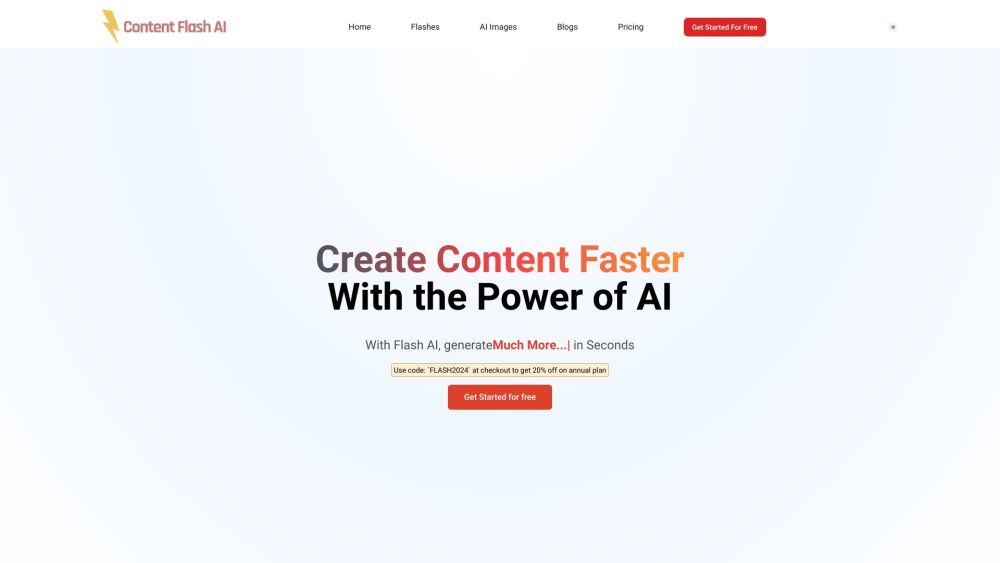
Content Flash AI Website screenshot

What is Content Flash AI?

Content Flash AI is an AI tool for creating written content and visuals. It can draft blog posts, emails, YouTube scripts, landing page copy, and Instagram captions, as well as generate images. It produces a first version in seconds, so you can spend more time refining the content for your audience.

How to use Content Flash AI?

Choose the type of content you want to create and describe what it should cover. For a blog post, include the topic and the questions you want to answer. For a landing page, specify the offer, who it's for, and what readers should do next. For an image, describe the subject and visual style.

🟒

Content Flash AI - Key Features

Key Features From Content Flash AI

AI writing and image generation

Draft copy and create visuals with the same tool.

First drafts in seconds

Generate a starting point you can review and edit for publication.

Support for multiple content formats

Create long-form articles, short captions, marketing emails, and video scripts.

Content guided by your brief

Specify the audience, tone, and key details to shape the output.

Content Flash AI Use Cases

Write blog posts and emails

Turn a topic or campaign brief into an article, newsletter, or promotional email draft.

Draft YouTube video scripts

Develop a video idea into an opening, talking points, and a closing.

Create landing page copy

Draft headlines, product benefits, and calls to action for a campaign page.

Prepare images and Instagram captions

Generate a visual and write a caption for the same post.

🟒

Content Flash AI - Frequently Asked Questions

FAQ from Content Flash AI

Can I use Content Flash AI for free?

Yes. A free account is available with limited features and usage.

What does Flash Premium include?

Flash Premium is the paid plan. It offers additional features and higher usage limits.

How do I cancel my subscription?

Sign in to your account and open the subscription management section to cancel your plan.

Is there a free trial?

Yes. You can sign up for a free trial to try the tool before purchasing a plan.

How can I contact support?

Visit the support section on the Content Flash AI website or email [email protected].

Are there discounts on annual plans?

Content Flash AI previously advertised 20% off an annual plan with the code FLASH2024. Check the checkout page for current offers.