ClipMove AI

ClipMove AI: All-in-One AI Tool for Content

ClipMove AI: An all-in-one ai tool for content creation—featuring powerful AI models, AI video generation, and versatile creative tools.

🟢

ClipMove AI - Introduction

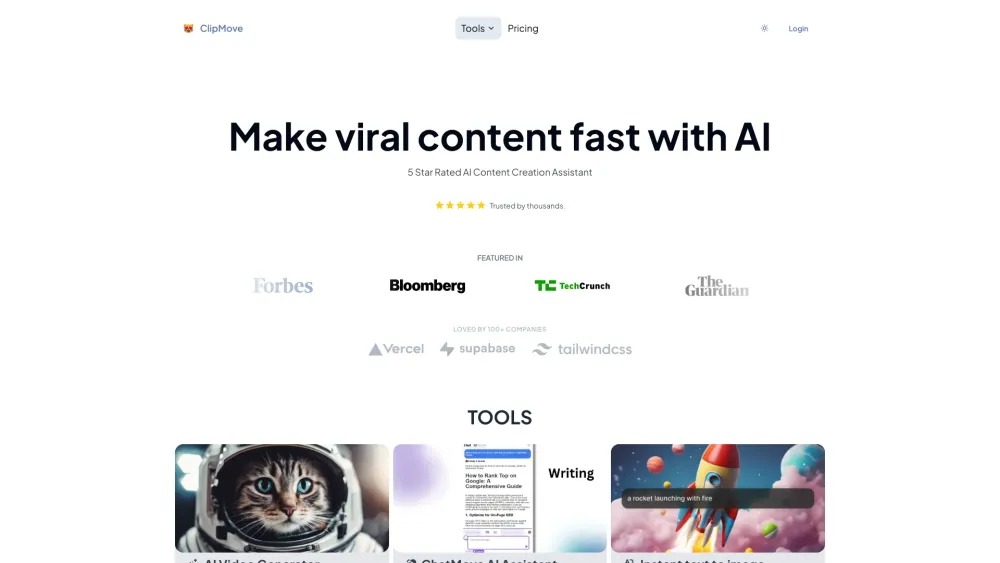
ClipMove AI Website screenshot

What is ClipMove AI?

ClipMove AI is a next-generation, all-in-one AI platform engineered for modern creators—blending cutting-edge generative models with intuitive creative tools. From transforming text into dynamic videos to refining visuals with AI precision, it unifies content ideation, production, and enhancement in a single, seamless workflow.

How to use ClipMove AI?

Get started in seconds: install the lightweight ChatMove Chrome extension to unlock AI-powered browsing assistance, real-time summarization, and on-the-fly content generation—then explore the full suite of tools directly at clipmove.com, including instant video creation, image editing, and more.

🟢

ClipMove AI - Key Features

Key Features From ClipMove AI

AI Video Generator

Smart Chrome Extension (ChatMove)

Text-to-Image Studio

One-Click AI Image Editor

AI-Powered Background Remover

High-Resolution Image Upscaler

ClipMove AI's Real-World Applications

Produce professional AI videos — no experience required

Instantly distill key insights from articles, blogs, or research pages

Accelerate end-to-end content creation — from script to visual

🟢

ClipMove AI - Frequently Asked Questions

FAQ from ClipMove AI

What is ClipMove AI?

A unified AI content ecosystem — combining advanced multimodal models, real-time video synthesis, and smart visual editing tools — designed to empower marketers, educators, influencers, and teams to create faster, smarter, and more engaging content.

How to use ClipMove AI?

Begin with the ChatMove browser extension for contextual AI help across websites, then dive into specialized tools like Text-to-Video, AI Image Editor, or Background Remover — all accessible from your dashboard after signing in.

How to generate AI videos for free?

Go to clipmove.com/text-to-video, enter your prompt, and generate your first two videos at no cost — no credit card needed.