FAQ from Clickmajic
What is Clickmajic?
A smart, AI-driven platform for instant background removal from images.
How to use Clickmajic?
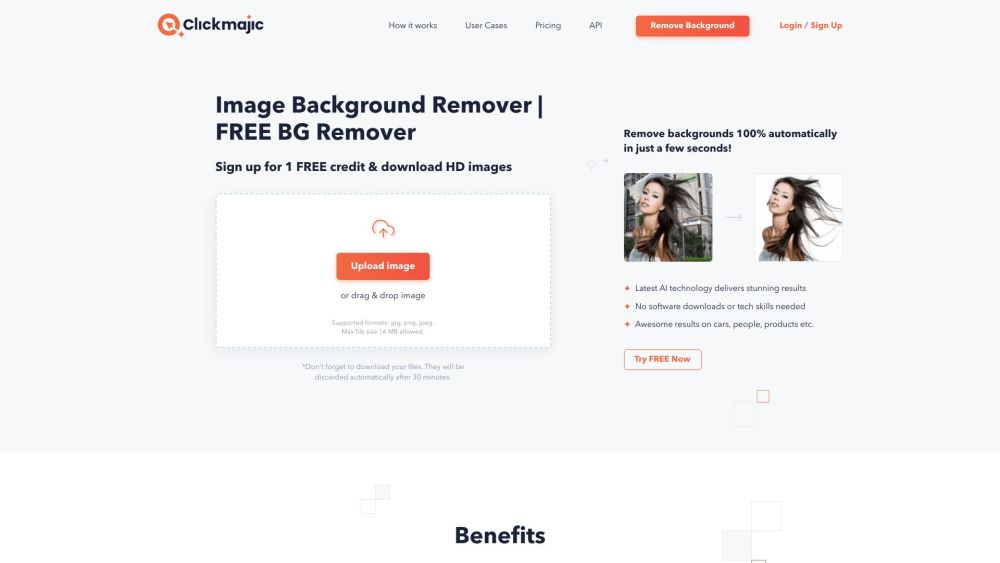
Upload your photo, let the AI process it, and download the edited version in seconds.
How do you get rid of the background manually?
After automatic removal, use the Edit > Erase/Restore tools to fine-tune specific areas.
Is there a free background remover available?
Yes, Clickmajic offers a free plan ideal for basic edits and limited monthly usage.
Is it safe to use the Clickmajic website?
Absolutely—Clickmajic uses secure connections and protects user data privacy.
Can I change a photo's background on an iPhone?
While iOS has limited options, using Clickmajic via mobile browser allows full background editing on iPhone.
What software is best for removing backgrounds?
Clickmajic is a top choice for fast, accurate, and user-friendly background removal online.
Does Clickmajic support background removal?
Yes, Clickmajic specializes in AI-based background removal for any type of image.
How do I remove a background using Clickmajic?
Simply upload your image, wait for the AI to detect and erase the background, then export your clean result.
Does JPEG support transparent backgrounds?
No, JPEG does not support transparency. For transparent results, download your image in PNG format via Clickmajic.