ChatGPT Writer

ChatGPT Writer: AI Tool for Effortless Writing & Editing

ChatGPT Writer: an AI tool that effortlessly writes, edits, and enhances emails, messages, and texts with smart tone, grammar, and summary fixes.

🟢

ChatGPT Writer - Introduction

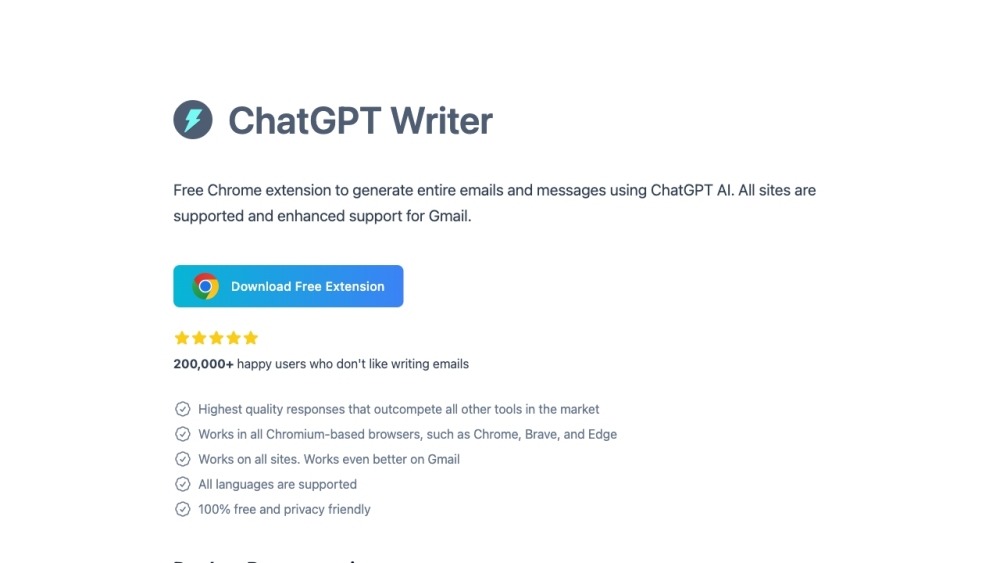
ChatGPT Writer Website screenshot

What is ChatGPT Writer?

ChatGPT Writer is a powerful AI-driven writing assistant designed to simplify and enhance your everyday communication. Whether you're drafting emails, responding to messages, or refining your written content, this smart tool leverages advanced language models to generate clear, polished, and context-aware text in seconds. From improving grammar to adapting tone and summarizing long passages, ChatGPT Writer acts as your personal writing co-pilot across the web.

How to use ChatGPT Writer?

Using ChatGPT Writer is fast and intuitive. Simply highlight any text on a webpage to activate the tool instantly, or click its extension icon in your browser's toolbar. You can also assign a custom keyboard shortcut for quick access or find the dedicated ChatGPT Writer button directly in Gmail’s reply window. Once opened, type a command—like “rewrite this professionally” or “summarize in three sentences”—and let the AI generate a refined version tailored to your needs. Fully compatible with all Chromium-based browsers, including Chrome, Edge, and Brave, it works seamlessly across platforms and supports multiple languages.

🟢

ChatGPT Writer - Key Features

Key Features From ChatGPT Writer

Effortless email & message creation

Real-time grammar and spelling correction

Smart text rephrasing for clarity and impact

Adjustable tone (formal, casual, persuasive, etc.)

Instant summarization of long content

Multilingual support for global users

Universal compatibility across websites

Optimized performance on Chrome, Edge, and Brave

🟢

ChatGPT Writer - Frequently Asked Questions

FAQ from ChatGPT Writer

What is ChatGPT Writer?

ChatGPT Writer is an intelligent browser extension that uses AI to help you write better emails, messages, and texts. It assists with rewriting, proofreading, summarizing, and adjusting tone—all through simple, natural-language commands.

How to use ChatGPT Writer?

You can launch ChatGPT Writer by selecting text, clicking the toolbar icon, using a keyboard shortcut, or accessing it within Gmail. After activation, enter a command describing what you’d like the AI to do, and receive a well-crafted response instantly.

Is ChatGPT Writer free to use?

Yes, there's a fully functional free version available to all users. For those needing more advanced capabilities and uninterrupted usage, a Pro Version is also offered with premium features and priority support.

Which websites does ChatGPT Writer support?

It works on virtually every website where you write or edit text—social media platforms, email clients, documentation tools, and more. The extension integrates smoothly wherever you type, with enhanced functionality in Gmail.

What data is shared with the AI model?

Only the necessary input is sent: your selected text (with optional redaction of sensitive details) and your instruction. No additional personal information is transmitted without your knowledge.

Which languages does ChatGPT Writer support?

The tool supports a wide range of global languages. Just specify your preferred language in the prompt—for example, “Write a follow-up message in Spanish”—and the AI will respond accordingly.

How to make ChatGPT Writer work on Brave browser?

The Pro Version runs seamlessly on Brave. Free users may need to follow specific setup instructions provided on the official site to enable full functionality due to browser privacy settings.

Is user data stored on ChatGPT Writer servers?

No. Your content is processed in real time to generate responses but is never stored, logged, or used for any other purpose. Privacy and security are central to the design of the tool.