FAQ from ButterReader
What is ButterReader?
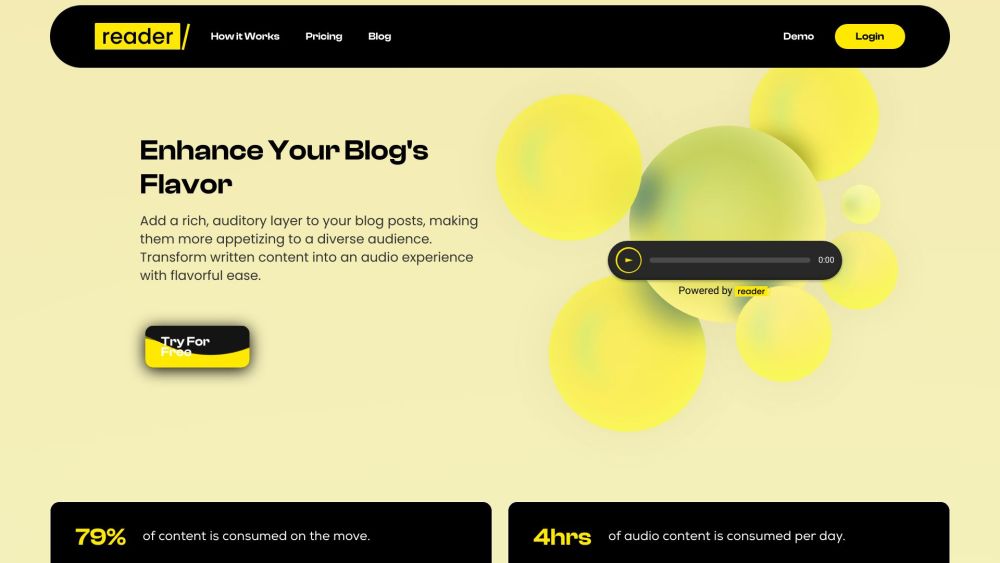
An AI-native audio engine built exclusively for bloggers—transforming written content into high-fidelity, emotionally resonant speech that captivates listeners and complements reading.
How to use ButterReader?
It’s effortless: connect your CMS, paste your post, choose a voice personality (e.g., “Warm Educator” or “Crisp Tech Analyst”), adjust pacing—and publish. The audio auto-generates and syncs with future edits.
What is Butter Reader?
Butter Reader is more than a widget—it’s a content amplification layer. It reimagines how audiences consume blogs: listen while commuting, cooking, or exercising—without losing nuance or intent.
Can I multitask on my device while using Butter Reader?
Yes! Our background audio mode keeps playback running uninterrupted—even when you switch apps, lock your screen, or browse other tabs. Seamless, buttery continuity—every time.
Does Butter Reader count each play as a download?
No. Audio files are generated once per version of your content. Updates trigger smart regeneration—only when you modify the text or change voice settings—keeping bandwidth lean and performance sharp.
How does the Butter Reader widget work on mobile devices?
Engineered from the ground up for touch-first interaction: swipe controls, adaptive sizing, offline caching, and system-level media controls ensure a native-grade experience—smooth as silk, reliable as ever.
What is the Butter Reader Leaderboard?
A real-time engagement index that highlights top-performing audio posts across the network—helping creators benchmark performance, inspire new topics, and organically lift SEO visibility through listener-driven signals.
How do I install the Butter Reader widget on my website?
Copy one snippet of JavaScript—or use our WordPress plugin, Ghost integration, or direct HTML embed. Our guided setup walks you through every step, with live preview and instant validation.