FAQ from Bluedot
What is Bluedot?
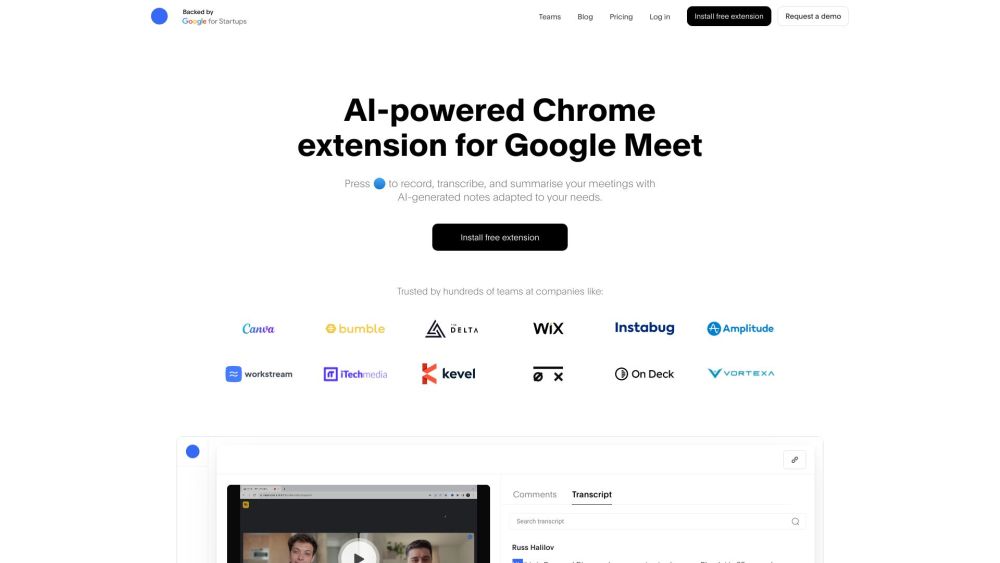
Bluedot is an intelligent, privacy-first Chrome extension designed exclusively for Google Meet users who need more than just a transcript—they need actionable, human-ready meeting intelligence. It combines secure audio capture, adaptive AI summarization, and seamless workflow integration to turn every conversation into clarity and momentum.
How to use Bluedot?
Install the extension → join any Google Meet → click the blue dot (🔵) to activate. Bluedot runs locally in your browser, processes audio on-device where possible, and generates structured notes in seconds. No setup, no invites, no waiting for post-meeting emails—just intelligent notes, ready when you are.
Is Bluedot secure?
Absolutely. Bluedot adheres to enterprise-grade security standards: GDPR-compliant by design, SOC-2 Type-2 certified (in progress), and built with zero-knowledge encryption. Audio and transcripts are encrypted in transit and at rest on AWS infrastructure. You own your data—and can permanently delete any meeting with a single command.
How is Bluedot different from other meeting recording/note taking apps?
Most tools require calendar access, invite-only bots, or full-screen recording overlays. Bluedot works silently in the background—no bot joins your call, no calendar sync needed, no disruptive UI. It leverages Chrome's native permissions to capture only what’s visible and audible *within your active Meet tab*, giving you control without complexity.
How is it different from native Google recording/transcription?
Google Meet’s built-in recorder saves raw video files; its transcription is basic and uneditable. Bluedot goes further: it identifies speakers, extracts decisions and deadlines, tags topics, links to relevant documents, and surfaces recurring themes across meetings—so your notes evolve with your work.
How can I replace Zoom and Loom with Bluedot?
If your organization uses Google Workspace, Bluedot + Google Meet gives you a unified, cost-efficient alternative: no per-host fees, no storage limits on recordings, and AI-enhanced notes that replace standalone screen-recording tools. Plus, all recordings and summaries live in your workspace—not in third-party clouds.
Do you support Zoom/MS Teams?
Yes—Zoom integration is available on Team and Enterprise plans. Microsoft Teams support is actively in development and expected later this year. For now, Bluedot remains optimized for Google Meet, where it delivers the deepest fidelity and fastest AI response.
Can I record a meeting without asking for consent?
While Bluedot technically enables silent recording within your browser tab, we bly advise transparency and compliance with local regulations (e.g., two-party consent laws in California or Illinois). Bluedot includes optional in-meeting consent banners and audit logs to help teams uphold ethical and legal standards.