BgRem

Product Name: BgRem ai tool for images and videos

Product Name: BgRem, ai tool for creating and editing stunning images and videos with instant backgrounds and paintings.

🟢

BgRem - Introduction

BgRem: AI Tool for Creating and Editing Images and Videos
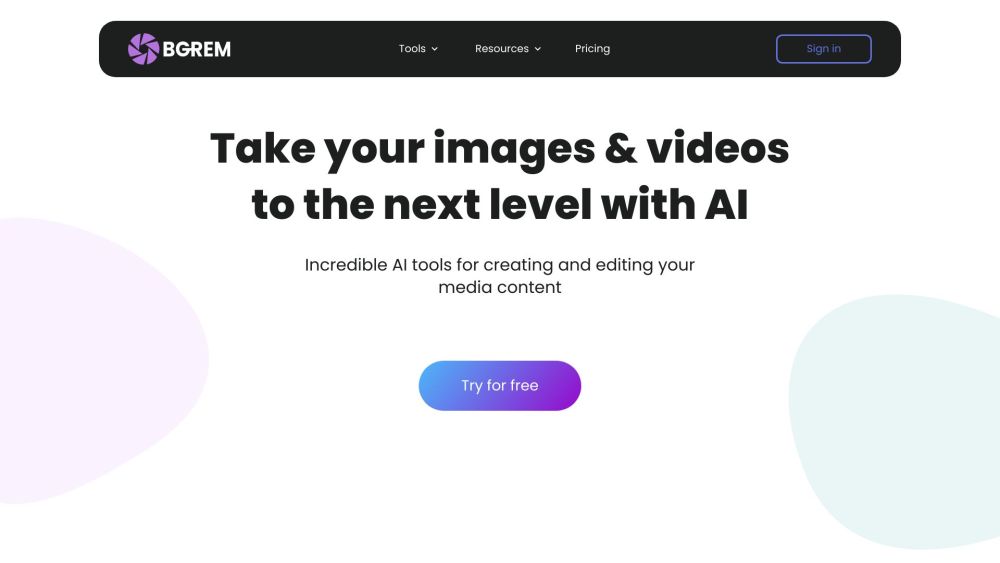
BgRem website showing its AI image and video editing tools

What is BgRem?

BgRem is an AI image and video editing platform that brings several creative tools together in one place. Users can generate artwork from text, remove backgrounds, turn photographs into paintings, and modify selected areas of an image. With tools for both creating new visuals and editing existing media, BgRem supports projects ranging from social media graphics to interior design concepts.

The platform helps users explore visual ideas through text prompts and uploaded files. Whether you want a different background, a painting inspired by your favorite photo, or a fresh composition, BgRem offers AI-assisted ways to develop your content.

How to use BgRem?

Choose a tool based on the image or video you want to create, then follow its on-screen instructions:

  1. Visit the BgRem website and sign in to your account.
  2. Select a feature, such as Image Generator, Background Remover, or Photo into Painting.
  3. Upload your media or enter a text prompt, depending on the selected tool.
  4. Apply the available settings and let the AI generate or edit your content.
  5. Review the output, adjust it as needed, and save or download your finished result.

🟢

BgRem - Key Features

Key Features From BgRem

AI Image Generator

Turn written descriptions into images and artwork. Describe your subject, setting, or visual style to explore ideas for illustrations, creative projects, and digital content.

Automatic Background Removal

Separate the main subject from an image background using AI. This feature helps prepare photos for new compositions without requiring you to manually trace every edge.

Photo into Painting

Give an existing photograph an artistic interpretation. BgRem uses AI image transformation to create painting-style visuals from portraits, landscapes, and other uploaded pictures.

Erase & Replace

Edit specific parts of a picture with the inpainting tool. Remove an unwanted object or replace a selected element while working within the surrounding image.

Extend Image

Expand a picture beyond its original borders with AI outpainting. The tool generates additional image areas to help adapt a composition to a different size or layout.

Video Background Remover

Remove a video background without filming in front of a green screen. BgRem also offers options for adding music, text, and stickers to customize video content.

AI Interior Redesign

Explore alternative looks for a room through AI-generated interior concepts. Homeowners and designers can use these visual ideas as starting points for planning changes to a space.

BgRem Use Cases

Artwork and Illustration

Artists and designers can experiment with text-generated imagery and painting effects to explore styles, develop concepts, or find inspiration for their next project.

Photo Editing and Visual Content

Photographers and content teams can remove distracting objects, isolate subjects, and adjust backgrounds when preparing images for websites, portfolios, or social media.

Videos for Creators

Vloggers and social media creators can change video backgrounds and add visual elements to support tutorials, promotional clips, and other content.

Interior Design Inspiration

People planning a room update can explore AI-generated redesigns to compare visual directions before developing a more detailed decorating plan.

🟢

BgRem - Frequently Asked Questions

FAQ from BgRem

What can I create with BgRem?

You can generate images from text, transform photos into painting-style artwork, edit objects, extend image borders, and remove backgrounds from images or videos.

How do I start using BgRem?

Sign in, choose a tool, and provide the requested image, video, or text description. Follow the tool's instructions to generate a result, review your changes, and download the finished media.

Can I try BgRem for free?

BgRem has offered a free trial for exploring its AI tools. Visit the current pricing page to confirm trial availability, included usage, and which features require payment.

Do I need editing experience?

BgRem is designed to make AI creation and editing accessible through guided interfaces. Beginners can start with basic prompts or uploads and experiment with the available controls.

How does BgRem handle uploaded files?

Uploaded media must be processed to produce AI-generated results. Review BgRem’s current privacy policy for details about file storage, retention, security, and how your data may be used.

Does BgRem have an affiliate program?

BgRem has advertised an affiliate program offering a 30% commission on referred purchases. Check the latest program terms on its website to confirm commission rates, eligibility, and payment conditions.