Beatwave

Beatwave: AI Tool for Music Visualizers

Beatwave: An AI tool for beatmakers & musicians to create stunning music visualizers & videos from audio in seconds—fast, easy, customizable.

🟢

Beatwave - Introduction

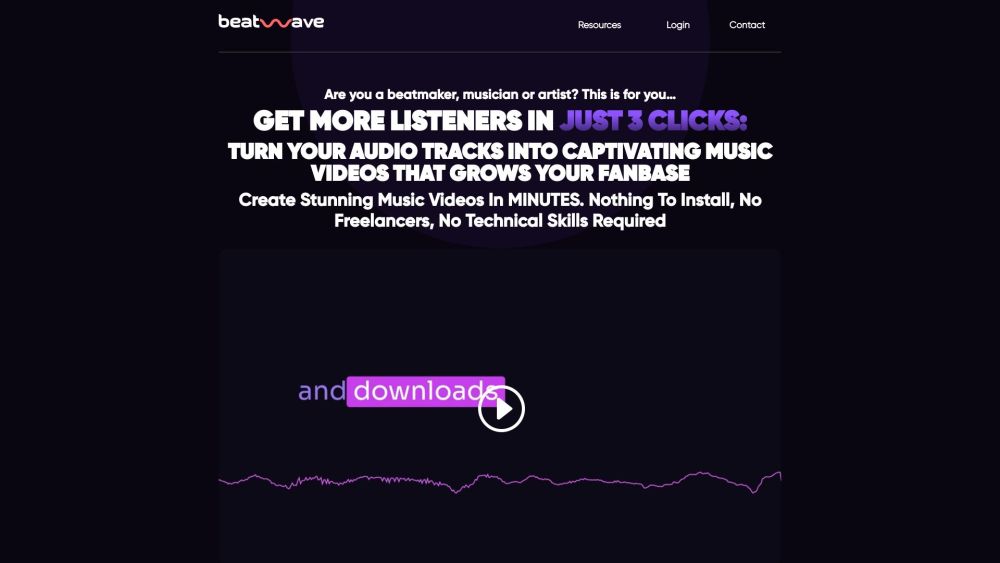
Beatwave Website screenshot

What is Beatwave?

Beatwave is an intelligent, AI-powered music visualization platform built exclusively for modern beatmakers, producers, and independent musicians. It transforms raw audio—whether a drum loop, full track, live recording, or spoken-word podcast—into dynamic, rhythm-synced visual experiences in seconds. Unlike generic video tools, Beatwave interprets tempo, frequency, and energy in real time to generate responsive, professional-grade visuals that *move with the music*, not just beside it.

How to use Beatwave?

Getting started with Beatwave takes under a minute: choose from genre-optimized templates (hip-hop, lo-fi, EDM, chillhop, etc.), upload your audio file, adjust timing, colors, motion intensity, and branding elements—and click “Render.” No editing skills, no rendering queues, no technical barriers. Your AI-powered visualizer video is ready to download, share, or embed—fully optimized for TikTok, Instagram Reels, YouTube Shorts, and artist websites.

🟢

Beatwave - Key Features

Key Features From Beatwave

AI-Powered Real-Time Audio Analysis

Genre-Smart Templates with Adaptive Visual Logic

One-Click Brand Customization: Logos, Fonts, Palettes & Motion Presets

Beatwave's Use Cases

Instant social-first music videos for creators launching new beats or singles

🟢

Beatwave - Frequently Asked Questions

FAQ from Beatwave

What is Beatwave?

Beatwave is an AI-native music visualization tool engineered for speed, musical intelligence, and creative control. It goes beyond static waveform displays—analyzing beat patterns, spectral density, and dynamics to produce expressive, synchronized visuals tailored to how music *feels*, not just how it sounds.

How to use Beatwave?

Select → Upload → Customize → Render. That's it. The interface guides you through each step with contextual suggestions—like auto-detecting BPM or recommending contrast-optimized color schemes based on your track’s tonal profile. Export in HD (1080p) or vertical formats (9:16) in under 60 seconds.

How do I create a music video using Beatwave?

Start with a template matching your vibe (e.g., “Neon Pulse” for trap, “Analog Glitch” for experimental), drag-and-drop your WAV/MP3, tweak animation responsiveness and brand assets, then hit render. Beatwave handles synchronization, compression, and format optimization automatically.

Can I customize the visualizer to match my brand colors and style?

Absolutely. Beatwave includes deep customization: upload custom SVG logos, set primary/secondary accent palettes, adjust particle density and motion blur, add animated text overlays, and even import your own background footage or looping textures—all preserved across future renders for consistent branding.