Beam - Efficient ChatGPT UI for macOS

Beam: AI Tool for Efficient ChatGPT on macOS

Beam - Efficient ChatGPT UI for macOS: Beam is an ai tool that lets you chat with ChatGPT directly in any app, website, or document.

🟢

Beam - Efficient ChatGPT UI for macOS - Introduction

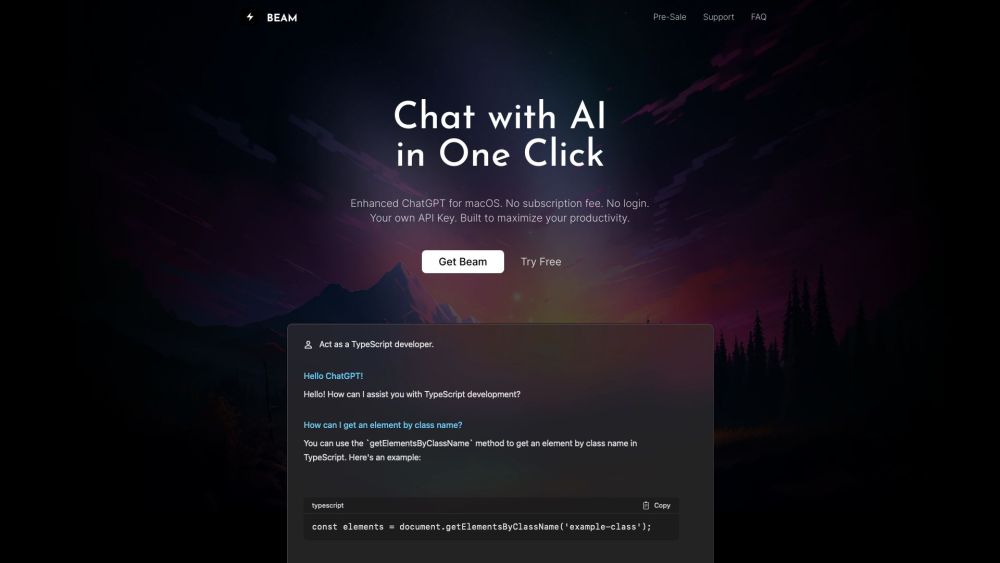
Beam - Efficient ChatGPT UI for macOS Website screenshot

What is Beam: AI Tool for Efficient ChatGPT on macOS?

Beam redefines how Mac users interact with AI by bringing ChatGPT directly into your workflow—no matter where you're working. Whether you're drafting an email, editing a document, or browsing the web, Beam enables instant access to OpenAI's powerful language model without leaving your current app. This lightweight, native macOS tool integrates seamlessly into your environment, letting you leverage AI intelligence in real time with minimal disruption.

How to use Beam: AI Tool for Efficient ChatGPT on macOS?

Using Beam is effortless. Press CTRL + SPACE to summon the floating chat panel anywhere on your Mac. Highlight any text to provide context, ask questions, refine writing, or generate new content—all within seconds. Once satisfied with the response, insert it directly into your active application with a single keystroke. Beyond basic chatting, Beam supports advanced workflows like PDF analysis, reusable prompt templates, custom AI personas, and macro shortcuts to automate repetitive inputs, making it a true productivity accelerator.

🟢

Beam - Efficient ChatGPT UI for macOS - Key Features

Key Features From Beam: AI Tool for Efficient ChatGPT on macOS

Universal AI Access Across All Apps

Engage with ChatGPT from any macOS application—be it Safari, Notes, Slack, or Adobe Acrobat—without switching windows or copying text manually.

Context-Aware Chat Panel

Launch the compact, non-intrusive chat window with a simple hotkey and maintain focus on your task while interacting with AI.

One-Click Response Insertion

Seamlessly transfer generated text back into your original document or app with a single press, streamlining content creation and editing.

Customizable Prompt Templates

Save frequently used prompts as templates (e.g., “Rewrite formally” or “Summarize this”) to accelerate writing and editing tasks.

Smart PDF Interaction

Upload and discuss PDFs directly in Beam—ask for summaries, extract key points, or get explanations without opening another tool.

Personalized AI Profiles

Create distinct AI personas tailored to different tones or roles (like “Technical Writer” or “Creative Marketer”) for more consistent, targeted outputs.

Text Macros for Faster Input

Define custom shortcuts that expand into full phrases or paragraphs, reducing repetitive typing across all applications.

Lifetime License Model

Enjoy a one-time purchase with lifetime access, including free future updates and the ability to activate Beam on a second device.

Free Updates & Multi-Device Support

Your license includes ongoing improvements at no extra cost and allows installation on an additional Mac for personal use.

🟢

Beam - Efficient ChatGPT UI for macOS - Frequently Asked Questions

FAQ from Beam: AI Tool for Efficient ChatGPT on macOS

What is Beam: AI Tool for Efficient ChatGPT on macOS?

Beam is a native macOS application designed to bring seamless, in-context AI conversations to your desktop. It connects directly to OpenAI's ChatGPT, enabling intelligent assistance across any app, website, or file—right from your keyboard shortcut.

How to use Beam: AI Tool for Efficient ChatGPT on macOS?

Activate Beam with CTRL + SPACE, select relevant text if needed, type your query, and send the result back to your current app instantly. Use templates, macros, and AI profiles to enhance efficiency further.

Do I need an OpenAI API key?

Yes, you must provide your own OpenAI API key to use Beam. This ensures full control over usage and billing through your OpenAI account.

Is my API key secure?

Beam stores your API key locally on your device and does not transmit it beyond necessary authentication with OpenAI’s servers.

Does Beam support GPT-4?

Yes, Beam supports both GPT-3.5 and GPT-4 models, allowing you to choose based on performance needs and API costs.

Does Beam require special system permissions?

Beam requires standard accessibility permissions to interact with other apps and capture global keyboard shortcuts, similar to many productivity tools on macOS.

What about security? Do you store my data?

No user content or conversation history is stored on external servers. All processing occurs client-side or via direct OpenAI APIs, ensuring privacy and compliance.

Do you offer refunds?

Yes, Beam offers a 7-day money-back guarantee. If the tool doesn’t meet your expectations, contact support for a full refund.

Is Beam built with Electron?

No, Beam is built natively using Swift and modern macOS frameworks—not Electron—ensuring optimal performance, lower resource usage, and better integration with the operating system.