Bazaart: Photo, Video and Design Editor

Bazaart: AI Tool for Effortless Photo & Video Editing

Bazaart: Photo, Video and Design Editor: An AI tool for effortless, stunning photo, video & graphic creation—powered by friendly AI.

🟢

Bazaart: Photo, Video and Design Editor - Introduction

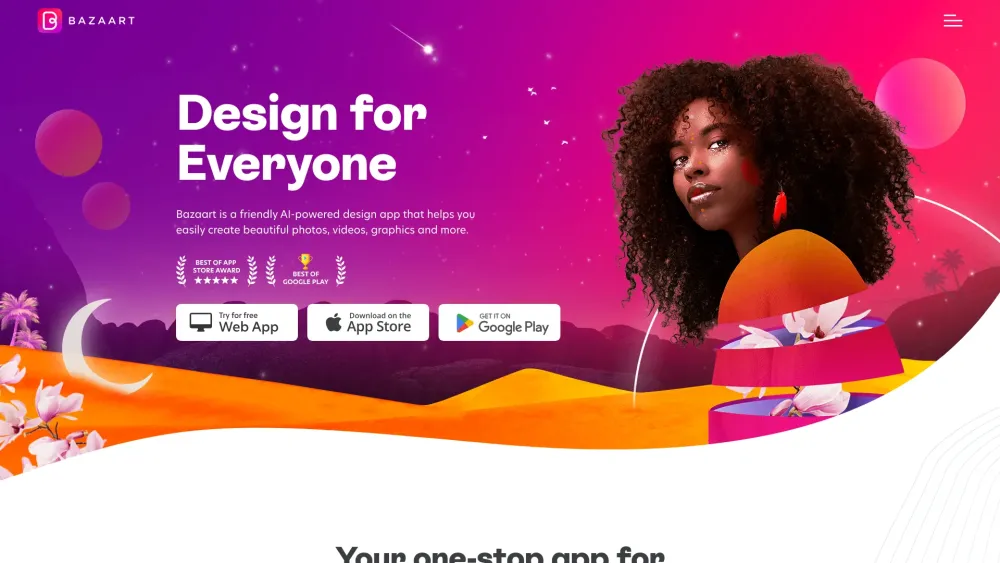
Bazaart: Photo, Video and Design Editor Website screenshot

What is Bazaart: Photo, Video and Design Editor?

Bazaart is an intuitive, AI-driven creative suite designed for creators of all levels—whether you're crafting eye-catching social posts, polishing product visuals, or producing dynamic short-form videos. Built around a warm, approachable AI experience, Bazaart transforms complex editing tasks into simple, joyful workflows—no design degree required.

How to use Bazaart: Photo, Video and Design Editor?

1. Install the Bazaart app on your iOS or Android device—or jump right in via web browser. 2. Select a purpose-driven starting point: choose from trending templates, upload your media, or begin with a blank canvas. 3. Leverage smart AI tools—swap backgrounds, erase distractions, animate text, or generate design suggestions in seconds. 4. Fine-tune with drag-and-drop precision, then export in high-res formats or share directly to platforms like Instagram, TikTok, or email.

🟢

Bazaart: Photo, Video and Design Editor - Key Features

Key Features From Bazaart: Photo, Video and Design Editor

One-tap AI background removal—for photos *and* video clips

Smart object erasure that preserves edges and lighting naturally

Video editing made effortless: auto-crop, motion effects, voice-to-text captions & AI music sync

10,000+ royalty-free assets—including animated stickers, branded templates, pro-grade filters, and expressive fonts

Seamless layering: blend images, typography, vector graphics, and AI-generated elements in a unified workspace

Bazaart: Photo, Video and Design Editor's Use Cases

Grow your small business with scroll-stopping ads and carousel posts

Design memorable digital invites, birthday cards, or wedding announcements

Elevate presentations, pitch decks, and internal comms with polished visuals

Produce personalized merch mockups, printable posters, or framed art prints

Optimize e-commerce imagery—enhance lighting, remove clutter, and highlight key products

🟢

Bazaart: Photo, Video and Design Editor - Frequently Asked Questions

FAQ from Bazaart: Photo, Video and Design Editor

What is Bazaart: Photo, Video and Design Editor?

Bazaart is an all-in-one AI creative platform that empowers anyone—from solopreneurs to marketing teams—to edit photos, produce videos, and craft professional designs—fast, intuitively, and with zero learning curve.

How to use Bazaart: Photo, Video and Design Editor?

Start in under 60 seconds: launch the app or website → pick a template or import your files → apply AI enhancements (like background removal or auto-resizing) → personalize with your brand colors, fonts, and messaging → download or publish.

Can I remove the background from any photo or video?

Yes—Bazaart’s proprietary AI detects subjects with remarkable accuracy across diverse lighting, poses, and resolutions. It works equally well on portraits, product shots, and even moving video frames.

Can I edit videos with Bazaart?

Absolutely. Beyond trimming and transitions, Bazaart offers AI-powered features like auto-captions, smart scene detection, aspect-ratio optimization for Reels/TikTok, and one-click style transfers—making video editing feel as simple as editing a photo.

Are there templates available in Bazaart?

Yes—curated by professional designers and updated weekly. Categories include social media posts, stories, banners, flyers, YouTube thumbnails, and more—all fully editable and adaptable to your brand identity.

Can I combine photos, text, and graphics in Bazaart?

Yes—Bazaart’s layered canvas supports unlimited blending: overlay transparent PNGs, warp text along paths, mask images inside shapes, and apply non-destructive filters—giving you full creative control without complexity.

Does Bazaart have a mobile app?

Yes—the iOS and Android apps deliver the full desktop experience, optimized for touch. Edit on-the-go, save drafts to the cloud, and sync seamlessly across devices.