Aiconly

Aiconly: AI Tool for Custom Icon Generation

Aiconly: An AI tool for custom icon generation—fast, scalable, and tailored. Aiconly leverages cutting-edge AI to create unique icons on demand.

🟢

Aiconly - Introduction

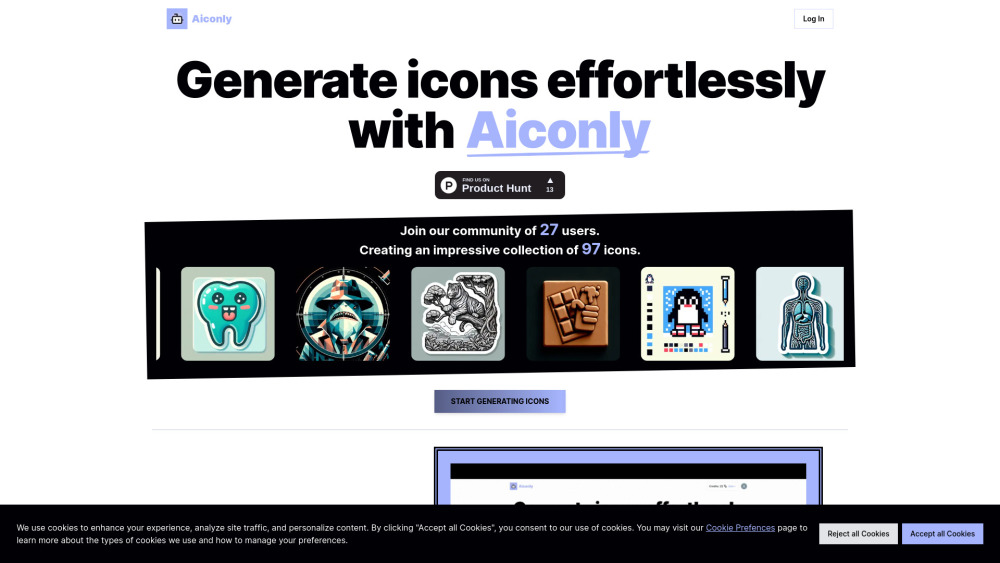
Aiconly Website screenshot

What is Aiconly?

Aiconly is a next-generation AI design platform engineered exclusively for icon creation—transforming text prompts into polished, production-ready icons in seconds. Built for designers, developers, and non-technical users alike, it delivers pixel-perfect, scalable icons tailored to brand identity, app interfaces, or creative projects—no design skills required.

How to use Aiconly?

Getting started with Aiconly takes under 30 seconds: visit the platform, describe your vision (e.g., “minimalist cloud icon with gradient blue”), and generate. Refine with style presets, adjust size and color, then download instantly. Join a thriving ecosystem of over 23.1k creators and explore a curated library of 62.6k+ community icons—all accessible from your dashboard.

🟢

Aiconly - Key Features

Key Features From Aiconly

Precision AI Icon Generation

One-Click Export in Multiple Resolutions & Formats

Style Consistency Engine for Brand-Aligned Icon Sets

Aiconly's Use Cases

Accelerating UI/UX workflows with on-demand, context-aware icons

Empowering startups and solopreneurs to build cohesive visual identities fast

🟢

Aiconly - Frequently Asked Questions

FAQ from Aiconly

What is Aiconly?

Aiconly is an intelligent, purpose-built icon generation tool that interprets natural language prompts and produces original, high-fidelity icons—optimized for clarity, scalability, and visual harmony across devices and platforms.

How to use Aiconly?

Simply describe what you need—like “modern shopping cart icon for dark mode”—and Aiconly renders multiple variations in real time. Customize tone, stroke weight, and proportions, then export as PNG, SVG, or ICO with one click.

Is Aiconly icon generation service free?

Yes—Aiconly provides full access to its core AI icon generator at no cost. Free-tier users enjoy unlimited generations, standard resolution exports, and community library access. Premium tiers unlock advanced customization, batch generation, and vector editing tools.

Can Aiconly generate icons in different formats?

Absolutely. Aiconly supports PNG (with transparent background), SVG (for crisp scalability), ICO (for browser favicons), and offers responsive sizing options—from 16×16px to 512×512px—ensuring compatibility across web, mobile, and desktop environments.