FAQ from AI Dashboard Generator
What is AI Dashboard Generator?
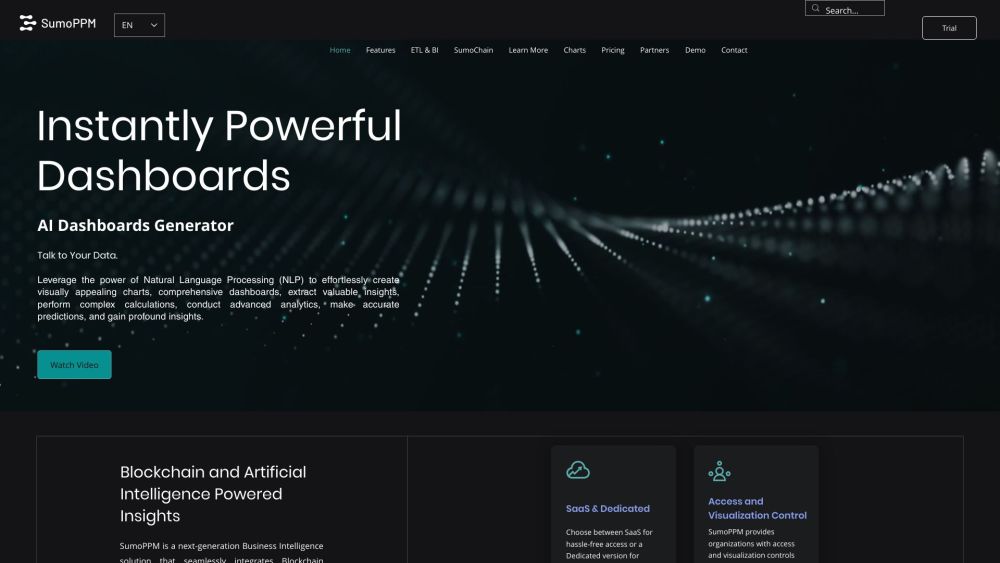
AI Dashboard Generator refers to SumoPPM's AI-powered Business Intelligence solution for building dashboards and examining business information. It combines NLP and blockchain technology to help users access structured, trusted insights.
How to use AI Dashboard Generator?
Enter a request in natural language to guide dashboard creation, data exploration, or analysis. SumoPPM then helps transform project data into visual reports, predictions, and insights that can support business planning.
What is SumoPPM?
SumoPPM is an AI-powered Business Intelligence platform that helps organizations create dashboards, analyze project data, and produce data-driven insights with blockchain-supported data handling.
How does SumoPPM use Natural Language Processing (NLP)?
SumoPPM uses NLP so users can describe their reporting and analysis requirements conversationally. This can help them create charts, complete calculations, perform advanced analysis, and examine results without building every query manually.
Why does SumoPPM use blockchain technology?
Blockchain technology helps SumoPPM support secure, temporary access to information while protecting data integrity and confidentiality during analysis.
Can SumoPPM work with synthetic data?
Yes. SumoPPM supports synthetic data workflows, which can help organizations meet information security requirements and test sensitive data models in a controlled setting.
Does SumoPPM include access and visualization controls?
Yes. The platform includes access and visualization controls that help organizations determine how information is viewed and manage confidentiality across different users and reporting needs.
Can AI Dashboard Generator manage multiple companies?
Yes. SumoPPM's Multi-Company feature is designed to help users manage several companies or business entities, consolidate reporting, and organize project information more efficiently.
Which privacy modes are available in SumoPPM?
SumoPPM provides Total Privacy, Differential Privacy, and Full Mode options. These settings allow organizations to choose an approach that fits their internal privacy requirements or the policies of the relevant country.