FAQ from AI Background Generator
What is AI Background Generator?
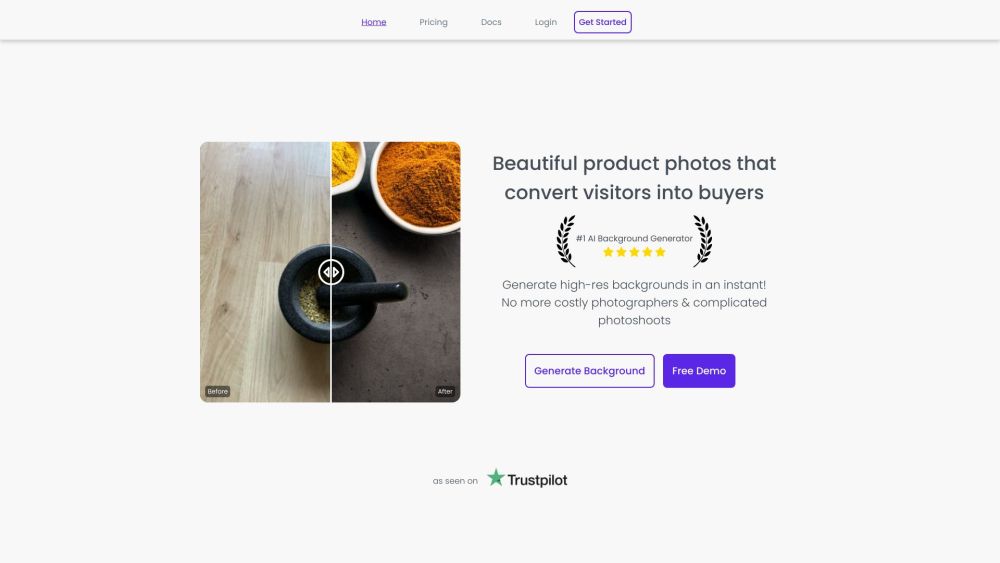
It's a cutting-edge AI imaging platform that intelligently replaces or augments image backgrounds—delivering studio-level visual fidelity without professional equipment or editing expertise.
How to use AI Background Generator?
Simply upload your image, choose a background theme (e.g., minimalist studio, urban skyline, nature scene), and click “Generate.” Your refined image appears in seconds.
What file formats does Generatebg support?
Generatebg accepts JPG, PNG, and TIFF files—including transparent PNGs for maximum flexibility in post-production workflows.
How is my privacy protected?
All uploads are encrypted in transit and at rest. Processed images are automatically purged from servers within 24 hours—and never stored, shared, or used for model training.
How long does it take for the AI to generate backgrounds?
Typical generation time is under 5 seconds per image—optimized for speed without compromising realism or detail fidelity.
Can AI background generation lead to bad results?
Rare edge cases (e.g., extreme occlusion or low-resolution inputs) may require minor refinements—but our AI includes smart fallback modes and intuitive adjustment sliders for instant correction.
Does the AI background generator work only with product photography?
No—it’s purpose-built for versatility: from LinkedIn headshots and real estate staging to marketing banners, social media content, and creative design projects.