AI Art Generator

AI Art Generator: ai tool for iMessage art

AI Art Generator: An ai tool that transforms iMessage into a creative studio—generate stunning AI art and photos instantly via keyboard.

🟢

AI Art Generator - Introduction

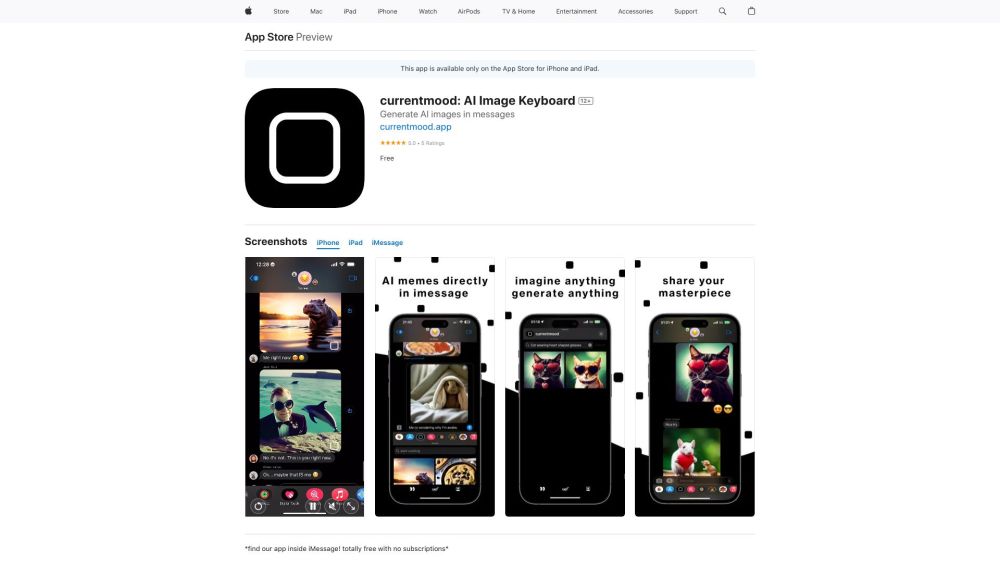
AI Art Generator Website screenshot

What is AI Art Generator?

AI Art Generator is an intelligent iMessage keyboard extension that turns your iPhone into a pocket-sized creative studio—transforming everyday photos into expressive, AI-crafted artwork with a single tap, right inside your conversations.

How to use AI Art Generator?

1. Launch iMessage in any chat
2. Tap the 🌐 globe or emoji icon to open keyboard options
3. Swipe to select the AI Art Generator keyboard
4. Tap the “+” or camera icon to import a photo from your library or take a new one
5. Choose an artistic effect—painterly, cinematic, sketch, neon, or abstract
6. Watch as AI renders your custom artwork in seconds
7. Tap “Send” to share your unique creation instantly with friends and family

🟢

AI Art Generator - Key Features

Key Features From AI Art Generator

One-tap photo-to-art conversion inside iMessage

Lightweight on-device AI processing—no cloud upload required

Real-time style previews and instant rendering

AI Art Generator's Use Cases

Turn selfies, group shots, or vacation snaps into gallery-worthy digital art

Add playful, professional, or poetic flair to messages without leaving iMessage

Spark joy and creativity in chats—ideal for birthdays, celebrations, and casual banter

🟢

AI Art Generator - Frequently Asked Questions

FAQ from AI Art Generator

What is AI Art Generator?

A seamless, iOS-native AI art tool embedded directly into iMessage—designed to make artistic expression fast, intuitive, and conversation-ready.

How to use AI Art Generator?

1. Open any iMessage thread
2. Switch to the AI Art Generator keyboard
3. Import or capture a photo
4. Select a visual style
5. Generate and send—no app switching, no delays.

Can I use the AI Art Generator on any photo?

Yes—whether it's a recent screenshot, a saved image, or a freshly snapped photo, the generator works with any compatible image in your iOS photo library.

Do I need an internet connection to use the AI Art Generator?

No. All AI inference runs locally on your device using optimized on-device models—ensuring privacy, speed, and reliability—even offline.

Can I customize the artistic styles used by the AI Art Generator?

While today’s version features hand-curated, high-fidelity styles, upcoming updates will introduce adjustable intensity sliders and user-defined palette controls.

Is the AI Art Generator available on Android devices?

Not at this time. AI Art Generator is purpose-built for iOS and deeply integrated with iMessage’s native keyboard architecture—exclusively for iPhone and iPad users.