AdpexAI

AdpexAI: Free ai tool for image/video AI

AdpexAI: Product Name's ultimate free ai tool for stunning image and video generation, your creative hub for every user!

🟒

AdpexAI - Introduction

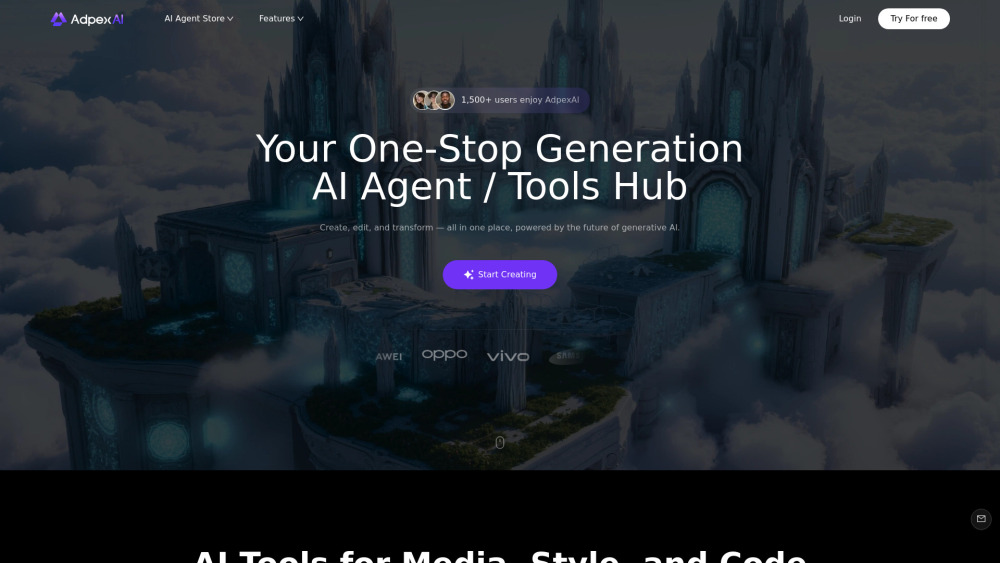
AdpexAI Website screenshot

What is AdpexAI?

AdpexAI is a free AI tool hub designed for creating images, videos, and conversations in one convenient place. The platform brings together creative AI features that help users transform ideas into visual content without needing advanced design or technical skills. You can use AdpexAI to generate images from written prompts, apply creative styles to photos, create face-swap videos, animate faces, and explore popular AI chat models such as ChatGPT and DeepSeek. From experimenting with anime-inspired artwork to preparing engaging content for social media, AdpexAI gives beginners, creators, marketers, and casual users an accessible way to explore generative AI. Its simple workflow makes it easy to upload content, select a tool, and produce a result with only a few steps. Whether you need an original image, a short video concept, or an AI assistant for everyday questions, AdpexAI provides a central creative workspace for testing and producing AI-generated content for free.

How to use AdpexAI?

Step 1: Select an AI Tool
Open AdpexAI and choose the feature that matches your project. You can select an image generator, video face-swap tool, Ghibli-style converter, face animation feature, or AI chat option.

Step 2: Add a Prompt or Upload Content
Enter a clear text prompt when creating an image, or upload the photo or video you want to edit. For a face-swap project, use a suitable source image and select the face or template you want to apply. Clear, well-lit images generally help the AI produce more consistent results.

Step 3: Generate and Review the Result
Click the generation button and allow AdpexAI to process your request. When the result is ready, review the image or video and make another attempt with an adjusted prompt or source file if you want a different outcome.

Step 4: Download or Share Your Creation
Save the finished content and use it in your personal projects, creative experiments, presentations, or social media posts. Always make sure you have permission to use images and faces that you upload.

🟒

AdpexAI - Key Features

Key Features From AdpexAI

Multi-Face Swap Video

Edit videos that include more than one person with AI-assisted face replacement. The tool is designed to help users create entertaining and engaging face-swap clips with a straightforward workflow.

Ghibli Style Conversion

Transform an ordinary photo into an illustration inspired by the soft colors and imaginative appearance associated with Ghibli-style artwork.

AI Image Generation

Describe an idea in natural language and let AdpexAI create an original visual based on your prompt. This can be useful for concept art, creative posts, thumbnails, and visual brainstorming.

AI Chat Hub

Access conversational AI models, including ChatGPT and DeepSeek, from a unified hub. Use the chat tools for questions, writing assistance, brainstorming, summarization, and general productivity tasks.

Face Animation

Add movement and expression to still portraits with AI-powered animation features. This gives users another way to turn static photos into more dynamic visual content.

Free and Beginner-Friendly Access

AdpexAI brings several creative functions together in an easy-to-follow interface. Users can explore AI image and video creation without installing complicated software or having professional editing experience.

AdpexAI's Use Cases

  • Social Media Content

    Create eye-catching images, short videos, and stylized portraits for social media posts, stories, and creative campaigns.

  • Creative Exploration

    Experiment with different prompts, visual styles, and AI transformations when developing new artwork or content ideas.

  • Marketing and Visual Concepts

    Generate early visual concepts, campaign ideas, and promotional assets that can support content planning and creative production.

  • Personal Photo Projects

    Apply artistic styles, animate portraits, or create playful face-swap videos for personal use and entertainment.

  • AdpexAI Support Email & Customer service contact & Refund contact etc.

    Here is the AdpexAI support email for customer service: [email protected]. For additional assistance, visit the AdpexAI contact page.

  • AdpexAI Company

    AdpexAI company name: AdpexAI.

    AdpexAI company address: .

    More information about AdpexAI is available on the About Us page.

  • AdpexAI Login

    AdpexAI login link: https://www.adpexai.com/agentFeaturesLogin

  • AdpexAI Sign up

    AdpexAI sign-up link:

🟒

AdpexAI - Frequently Asked Questions

FAQ from AdpexAI

What is AdpexAI?

AdpexAI is a free online AI hub for generating images, creating videos, transforming photos, animating faces, and chatting with AI models. It is built for users who want to explore creative and conversational AI tools from one accessible platform.

What can I create with AdpexAI?

You can create AI-generated images from text prompts, make Ghibli-style photo transformations, produce face-swap videos, animate portraits, and use AI chat tools for writing, research, brainstorming, and everyday questions.

How do I use AdpexAI?

Choose an available AI feature, then enter a prompt or upload the photo or video required by that tool. Start the generation process, review the result, and download the finished content when you are satisfied with it.

Is AdpexAI suitable for beginners?

Yes. AdpexAI is designed with a simple interface so that users can try image and video AI tools without professional editing knowledge. Clear prompts and high-quality source images can help improve the generated results.

Does AdpexAI offer AI chat tools?

Yes. AdpexAI includes an AI chat hub where users can interact with models such as ChatGPT and DeepSeek for conversation, writing help, idea generation, and general assistance.

Can I use AdpexAI for social media content?

Yes. The image generation, photo transformation, animation, and video features can help users prepare creative visuals and short-form content for social media and personal projects.