20Paths - Chrome Extension

20Paths - Chrome Extension: AI Tool for Interactive How-To Guides

20Paths - Chrome Extension: An AI tool for effortless creation of interactive how-to guides—fast, smart, and built right into Chrome.

🟢

20Paths - Chrome Extension - Introduction

20Paths - Chrome Extension Website screenshot

What is 20Paths ai chrome extension?

20Paths transforms your browser into a smart documentation studio—capturing, annotating, and narrating any web-based workflow in real time using generative AI.

How to use 20Paths ai chrome extension?

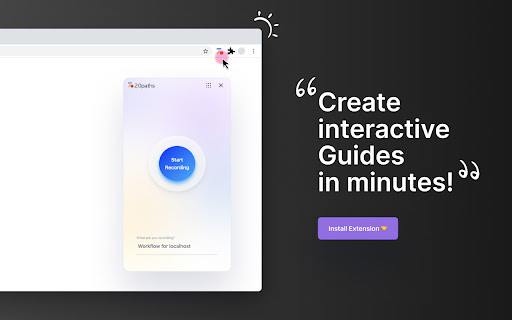
Click the 20Paths icon, navigate any website or SaaS app naturally, and hit “Record.” The extension auto-captures key steps, adds contextual AI-written explanations, and generates polished, interactive guides—no scripting or screenshots needed.

🟢

20Paths - Chrome Extension - Key Features

Key Features From 20Paths ai chrome extension

Smart visual walkthroughs with dynamic highlights & callouts

Real-time process capture—no manual recording or editing

AI-powered narrative generation that adapts to your tone and audience

One-click export to HelpCenter, Notion, Confluence, or shareable links

20Paths ai chrome extension's Use Cases

Live product demos for sales teams

Standardized onboarding checklists

Interactive troubleshooting flows

Cross-functional SOP documentation

Internal tool adoption support

Customer-facing self-help resources

Rapid knowledge transfer across teams

Training modules for new software releases

Audit-ready process evidence

🟢

20Paths - Chrome Extension - Frequently Asked Questions

FAQ from 20Paths - Chrome Extension

What is 20Paths?

A Chrome-native AI assistant that turns everyday web interactions into professional, interactive how-to guides—automatically.

How to use 20Paths?

Activate the extension, perform your task in any web application, and let 20Paths intelligently segment actions, annotate visuals, and generate clear, actionable instructions.

Can I customize the content in the guides?

Absolutely—refine every element: rewrite AI-generated copy, adjust arrow placements, recolor highlights, upload custom assets, and apply your brand's fonts and logos.