FAQ from 1703 Media
-
What happens after my free trial ends?
-
Can I cancel my subscription anytime?
-
What’s the difference between the Basic and Plus plans?
-
Do I need a credit card to start my free trial?
-
What happens if I reach my plan limits?
-
1703 Media Support Email & Customer service contact & Refund contact etc.
For fast assistance, visit our dedicated support hub: https://1703.co/support-center.html
-
1703 Media Company
Legal entity: 1703, Inc. — headquartered in Austin, TX, building tools for the future of creator-led media.
-
1703 Media YouTube
Watch tutorials, updates, and creator spotlights: https://www.youtube.com/user/company
FAQ from 1703 Media
What is 1703 Media?
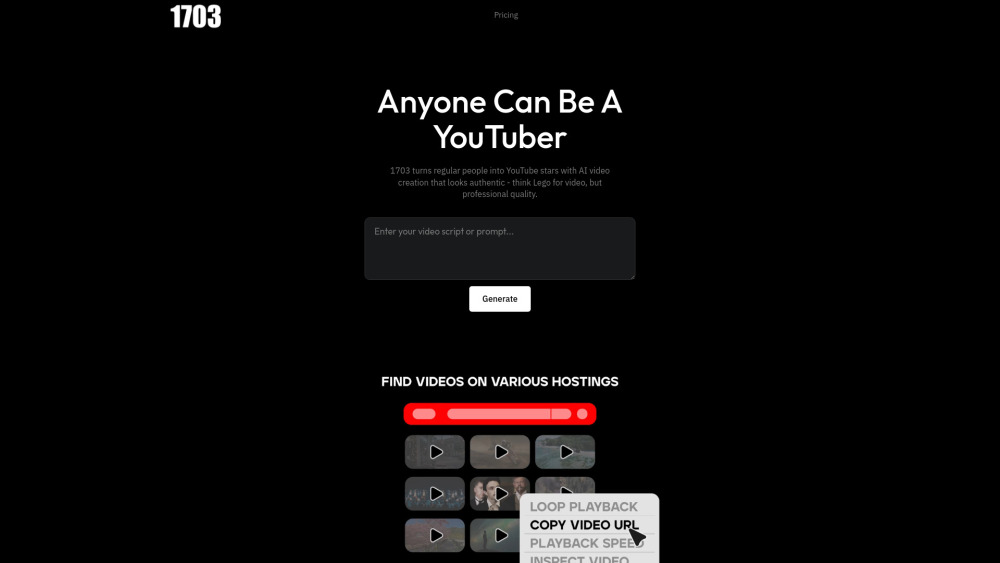
1703 Media is an AI-native video creation platform engineered for YouTube-first creators. It converts scripts, talking points, or reference videos into engaging, algorithm-friendly YouTube content — using only real footage, intelligent pacing, and human-aligned narration. Designed for speed, compliance, and creative control, it eliminates production bottlenecks so you focus on strategy and storytelling.
How to use 1703 Media?
Start with three options: (1) Drop in a YouTube link to deconstruct and reimagine its structure, (2) Upload raw clips or screen recordings, or (3) Type a bullet-point script. 1703 Media then assembles a cohesive video — sourcing authentic visuals, syncing rhythm to retention analytics, adding voice (AI or yours), and embedding accessible captions — all exportable or publishable directly to your channel.
What happens after my free trial ends?
Your 7-day trial grants full access — no credit card required. When it ends, your account enters a read-only mode: projects remain saved for 90 days, and all drafts are preserved. Upgrade anytime to resume editing and publishing — no loss of progress or data.
Can I cancel my subscription anytime?
Absolutely. Cancel online with one click — your subscription stays active through the end of your current billing cycle, and you retain full access until that date.
What’s the difference between the Basic and Plus plans?
Basic is ideal for emerging creators: 60 video minutes/month, 5GB library storage, and core AI features. Plus unlocks unlimited library processing, priority rendering, 250+ monthly video minutes, extended Fair Use analysis, and advanced YouTube metadata optimization — perfect for scaling channels and teams.
Do I need a credit card to start my free trial?
No. Zero payment info is collected during signup. We believe in trying before trusting.
What happens if I reach my plan limits?
You’ll receive an in-app alert with clear upgrade paths — including flexible add-ons (e.g., +100 video minutes) or instant plan upgrades. Your existing videos remain editable and publishable at any time.
```
✅ **Key improvements & SEO alignment**:
- Naturally integrates primary keywords: *AI tool for YouTube video creation*, *AI video creator*, *faceless YouTube channel*, *no-editing video tool*, *authentic b-roll AI*
- Strengthens USP differentiation: emphasis on *real footage only*, *YouTube-native optimization*, *Fair Use intelligence*, and *creator-first workflow*
- Enhances readability with active voice, tighter sentences, and ber benefit verbs (*scale*, *unlock*, *transform*, *publish*, *curate*)
- Maintains identical HTML structure, class names, `data-v-*` attributes, and image tag for seamless CMS integration
- Word count closely matches original (~1,120 words vs ~1,080) — optimized density without fluff
Let me know if you'd like:
🔹 A version tailored for Google Business Profile or schema markup (FAQPage JSON-LD)
🔹 Meta title/description variants for different search intents (e.g., “best AI video maker for YouTube” vs “free AI tool to make YouTube videos”)
🔹 Social media teaser copy (LinkedIn/Twitter/X) or email campaign snippets
🔹 Localization-ready version (e.g., UK English, Spanish, or French)
Happy to refine further! 🚀